
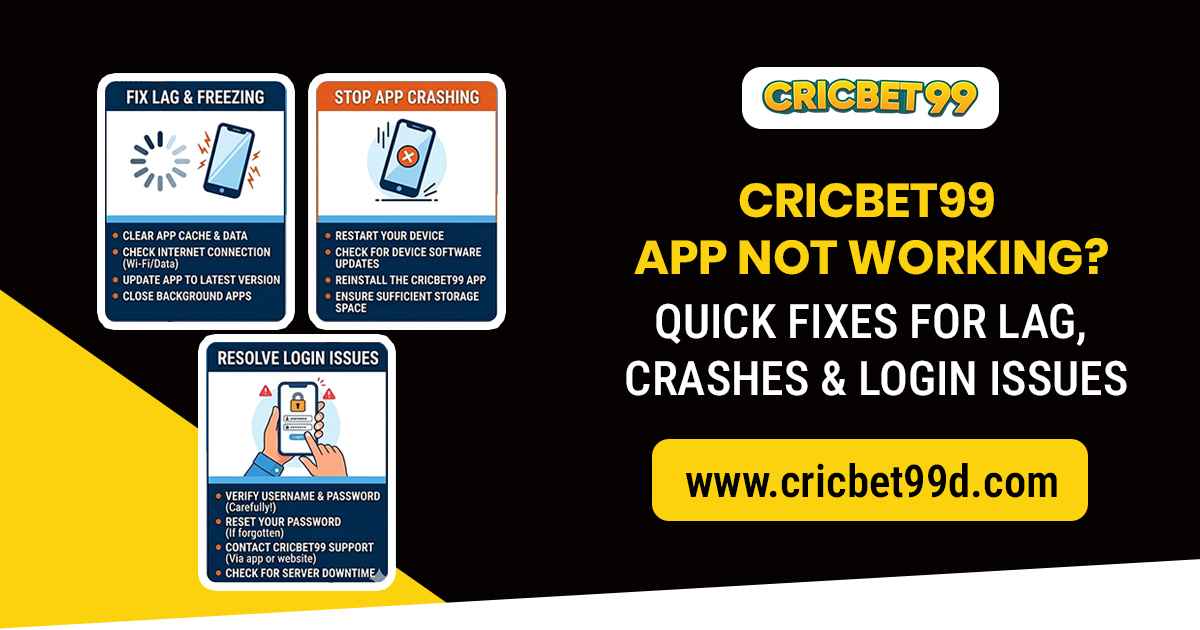
Experiencing problems with the Cricbet99 app can be frustrating, especially when you want to place bets on live cricket matches or check real-time odds. Common issues include app lag, crashes, login failures, and slow loading. The good news is that most problems can be resolved quickly with simple troubleshooting steps.
Here’s a detailed guide to fix Cricbet99 app issues and ensure smooth betting on your mobile device.
Common Cricbet99 App Issues
Before troubleshooting, it’s helpful to know the common issues users face:
- App Lag – Delayed response or slow navigation in the app.
- Crashes – The app closes unexpectedly during use.
- Login Problems – Cannot sign in with your account credentials.
- Payment Failures – Deposits or withdrawals not processing.
- Loading Errors – Matches, odds, or casino games not loading properly.
Quick Fixes for App Lag
If the Cricbet99 app feels slow or unresponsive:
- Restart the App: Close it completely and reopen.
- Clear Cache: Go to your device settings → Apps → Cricbet99 → Clear Cache.
- Update the App: Ensure you are using the latest version from the official website.
- Free Up Storage: Low storage can slow app performance. Delete unnecessary files or apps.
- Check Internet Connection: Use a stable Wi-Fi or mobile data connection for uninterrupted betting.
Fixing Crashes
App crashes can occur due to software bugs, outdated versions, or device compatibility issues.
- Update the App: Check for the latest version on the official Cricbet99 website.
- Restart Your Device: A quick restart can fix temporary glitches.
- Reinstall the App: Uninstall and reinstall to refresh the app completely.
- Check Device Compatibility: Ensure your phone meets minimum system requirements.
Solving Login Issues
If you cannot log in to your Cricbet99 account:
- Check Credentials: Ensure your username and password are correct.
- Reset Password: Use the “Forgot Password” option to reset your login credentials.
- Verify Your Account: Complete any pending KYC verification to unlock access.
- Update the App: Older versions may have login bugs that are fixed in newer updates.
- Clear App Data: Go to device settings → Apps → Cricbet99 → Clear Data.
Payment & Withdrawal Problems
If deposits or withdrawals fail:
- Verify Payment Method: Ensure your bank or e-wallet details match your verified account.
- Check Minimum/Maximum Limits: Some transactions may fail if limits are exceeded.
- Retry Later: Temporary server issues may prevent payments.
- Contact Support: Use Cricbet999 customer support for unresolved issues.
Loading Errors & Match Updates
If matches or odds aren’t updating:
- Refresh the App: Pull down to refresh the content.
- Check Internet Connection: Slow or unstable networks can delay live updates.
- Update the App: Bug fixes and performance improvements are often included in updates.
- Reinstall the App: Clear corrupted files and reinstall the latest version.
Tips to Prevent Future Issues
- Keep the app updated regularly.
- Ensure enough device storage and memory.
- Use a strong and stable internet connection.
- Avoid installing unofficial app versions.
- Regularly clear cache to maintain smooth performance.
When to Contact Cricbet99 Support
If troubleshooting doesn’t resolve your issues:
- Login still fails after password reset
- Deposits or withdrawals are blocked
- The app keeps crashing after multiple reinstall attempts
- Live match updates are consistently delayed
Reach out to Cricbet99 support via their official WhatsApp, email, or in-app chat for assistance. Provide your account ID and device details for faster resolution.
Conclusion
Experiencing lag, crashes, or login issues with the Cricketbet999 can disrupt your betting experience, but most problems are easily fixable. Updating the app, clearing cache, checking internet connectivity, and following account verification steps usually resolve most issues.
By following these quick fixes, you can enjoy smooth, real-time cricket betting, live odds, and casino games without interruptions.



 Get Cricbet99 ID